





TDS test pen
Features of TDS test pen
1. Multiple occasions, one test to know
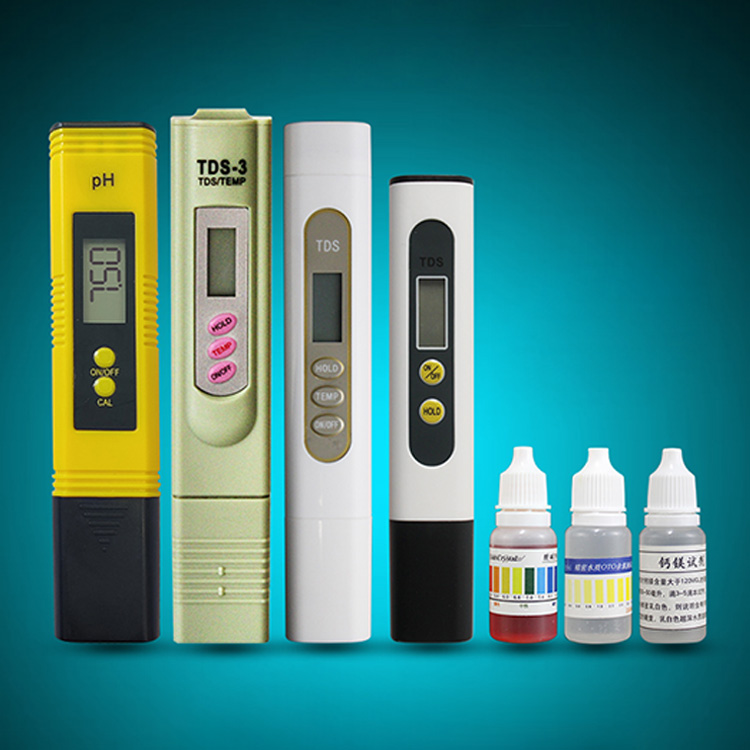
The Maipuda® TDS test pen, with its excellent accuracy and stability,
has become an ideal choice for testing key indicators such as solid
matter content, pH value, residual chlorine concentration, and calcium
and magnesium content in the solution. Whether in the fields of
industry, electricity, agriculture, medicine, food, scientific research
or environmental protection, it can easily cope with it and provide
reliable protection for your water quality monitoring.
2. Core functions
The TDS test pen focuses on detecting the total dissolved solids (TDS)
in water as an important basis for evaluating the purity of water
quality. When the TDS value is high, it means that the impurity content
in the water is relatively high; conversely, the impurity content is
low. This function allows you to see the purity of the water at a
glance.
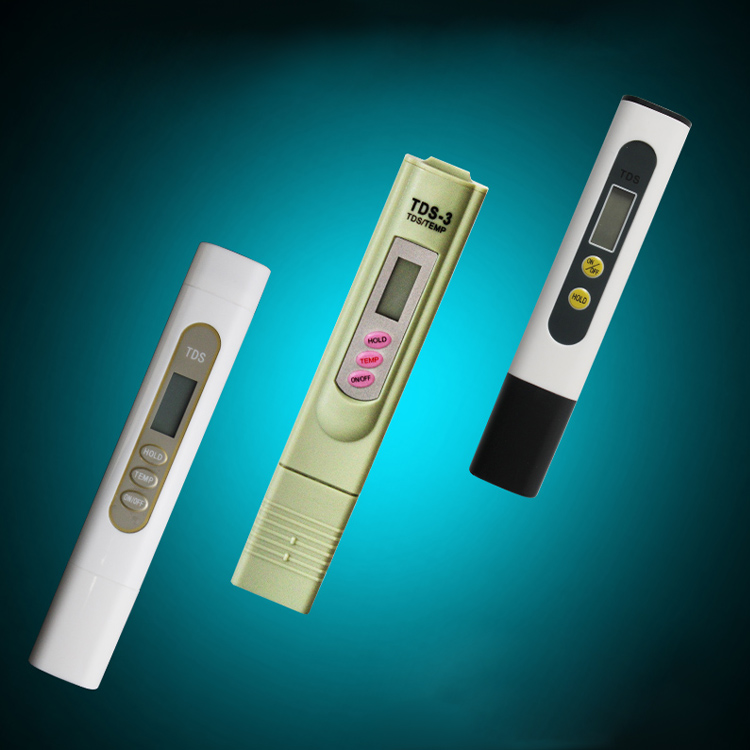
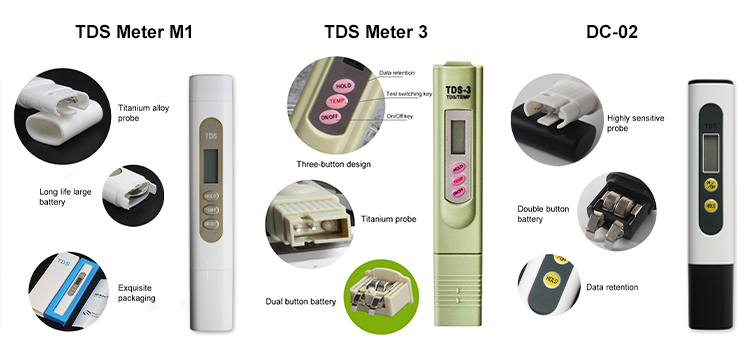
3.TDS Meter M1: New 3-button design, titanium alloy probe is
wear-resistant and durable, and low-power chip ensures long battery
life. Specially added temperature compensation function to ensure that
the measurement results are not affected by temperature. Ultra-long
standby mode allows you to test water quality anytime, anywhere.
TDS Meter 3: Three-button operation is simple, and the data lock
function allows you to easily read stable values. It also has
temperature compensation function, and the automatic shutdown design is
more energy-saving. Whether it is household water or industrial water
quality monitoring, it can be easily handled.
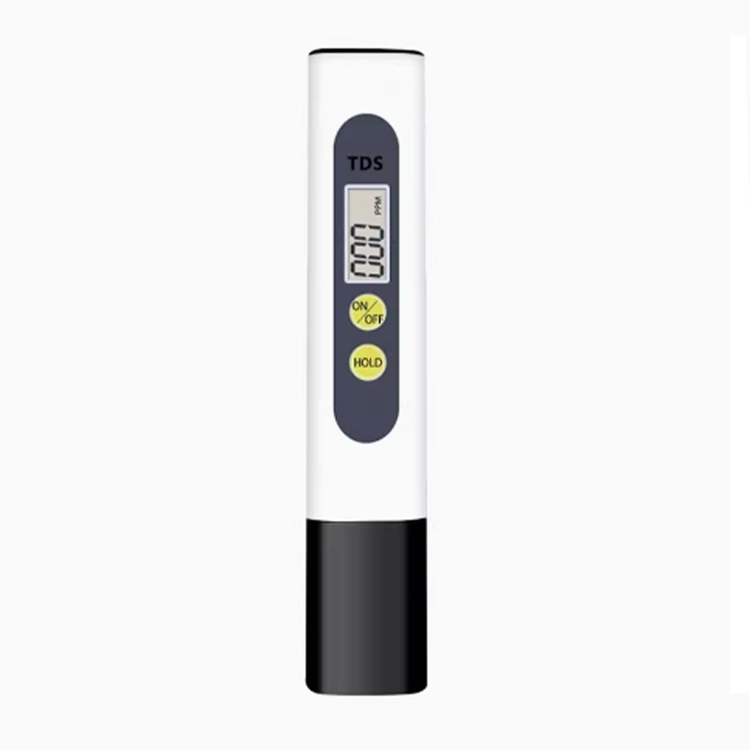
DC-02 2-button TDS water quality test pen: Accurate and fast
measurement, clear and intuitive LCD display. The data hold function
allows you to view the measurement results at any time when needed. The
compact and portable design allows you to perform water quality testing
anytime and anywhere, and easily grasp the water quality status.
TDS test pen instructions
The TDS water quality test pen consists of a battery compartment, a display screen, a probe compartment, and buttons. Different TDS pens have different buttons.
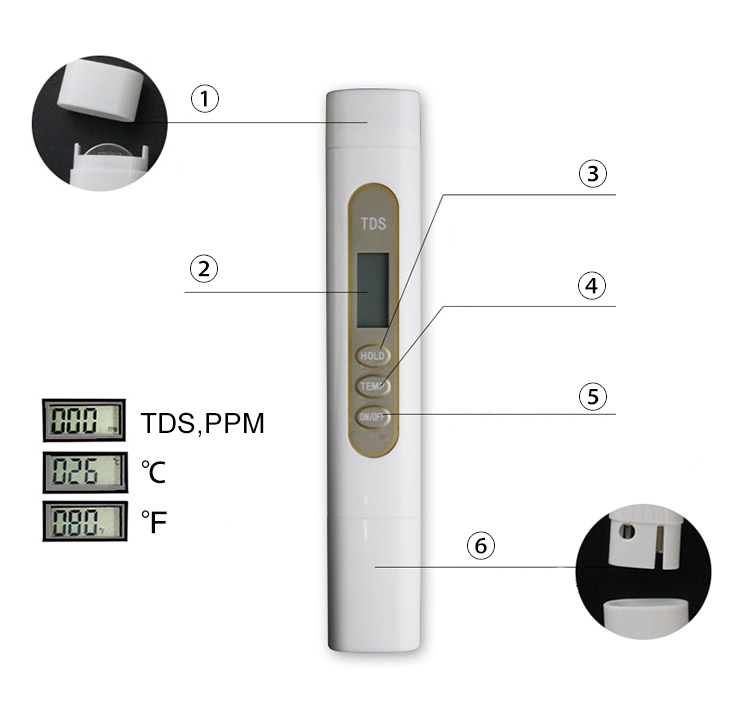 ①Battery compartment Pull it upward to replace the battery
②Display screen Displays TDS value by default. By pressing the TEMP key
repeatedly, it will display TDS value, Celsius temperature and
Fahrenheit temperature repeatedly
③HOLD key Data retention Press this key, the TDS pen leaves the test liquid and the value remains unchanged
④TEMP key Temperature measurement switch Press this key repeatedly to
switch between testing TDS, Celsius temperature and Fahrenheit
temperature
⑤ON/OFF key Switch key Press this key to turn on and off the TDS pen.
The TDS pen will standby for 10 minutes and automatically power off
⑥Probe compartment Pull out the probe cover downwards and put the probe into water to detect the TDS value